
Plan everyday tasks
Set one-time or recurring tasks with instructions, deadlines, and points. Add multiple photos when submitting a completed task.
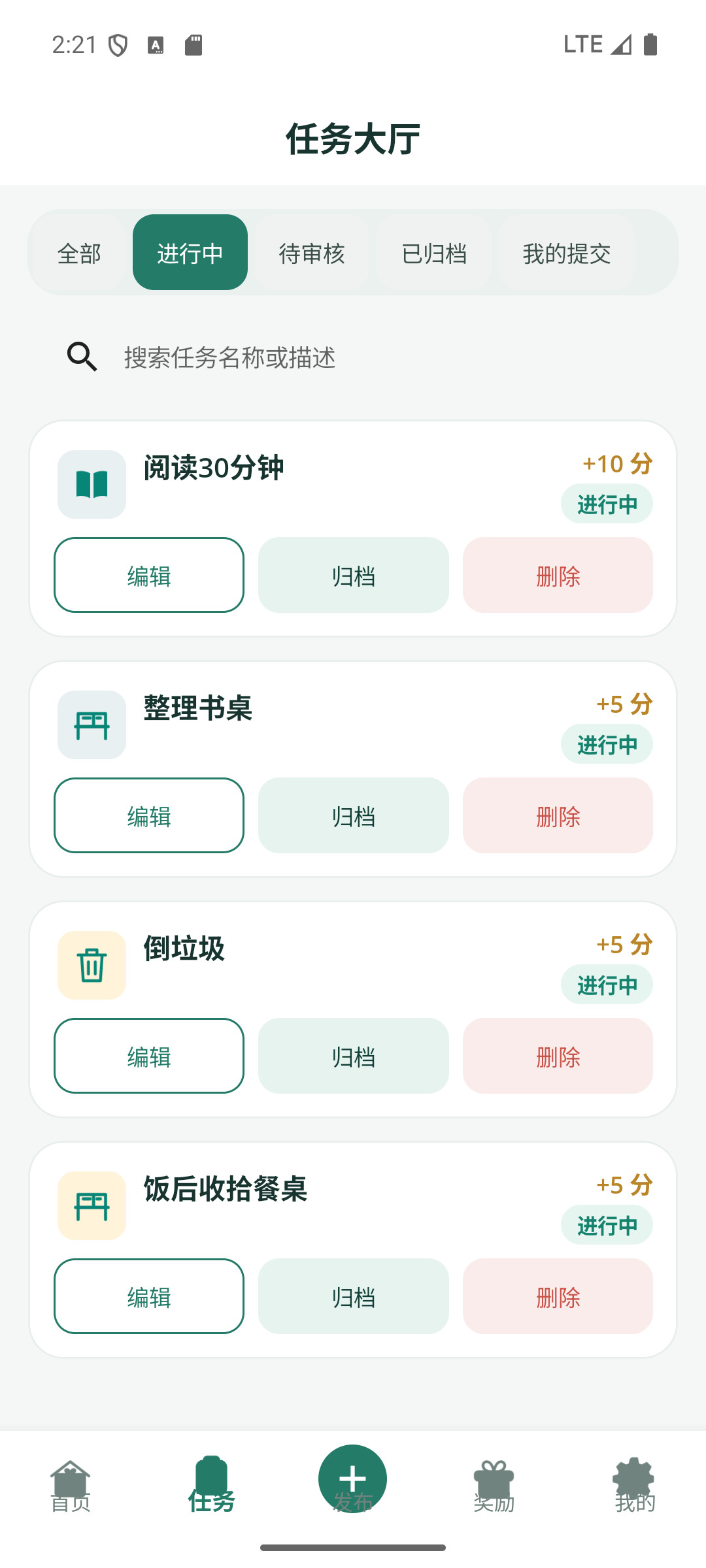
Set small goals for chores or reading and record them when they’re done. Earn points for the effort and put them toward rewards your family chooses together.
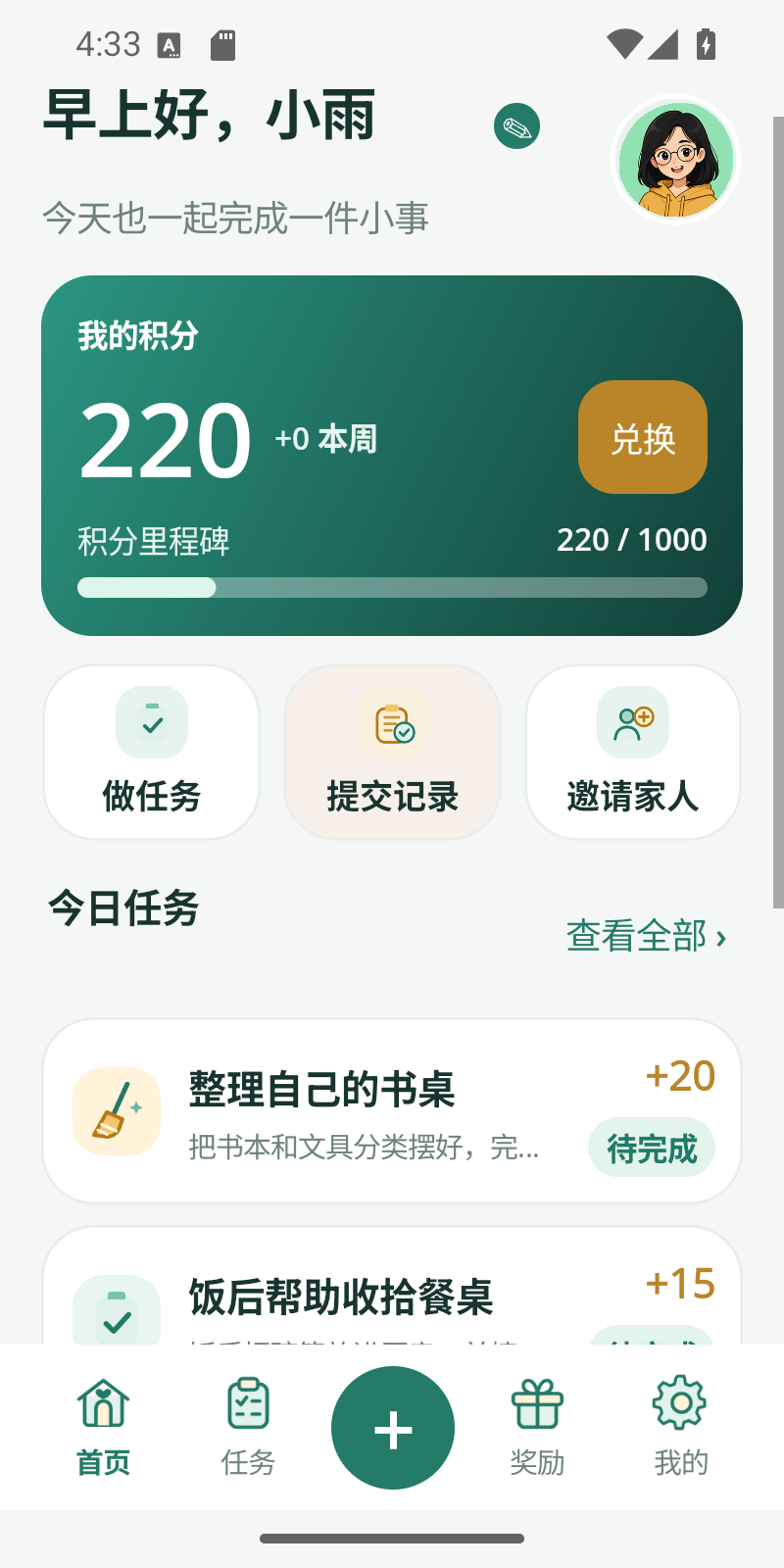
From today’s tasks to this week’s points, everyone can see how things are going.
Set one-time or recurring tasks with instructions, deadlines, and points. Add multiple photos when submitting a completed task.
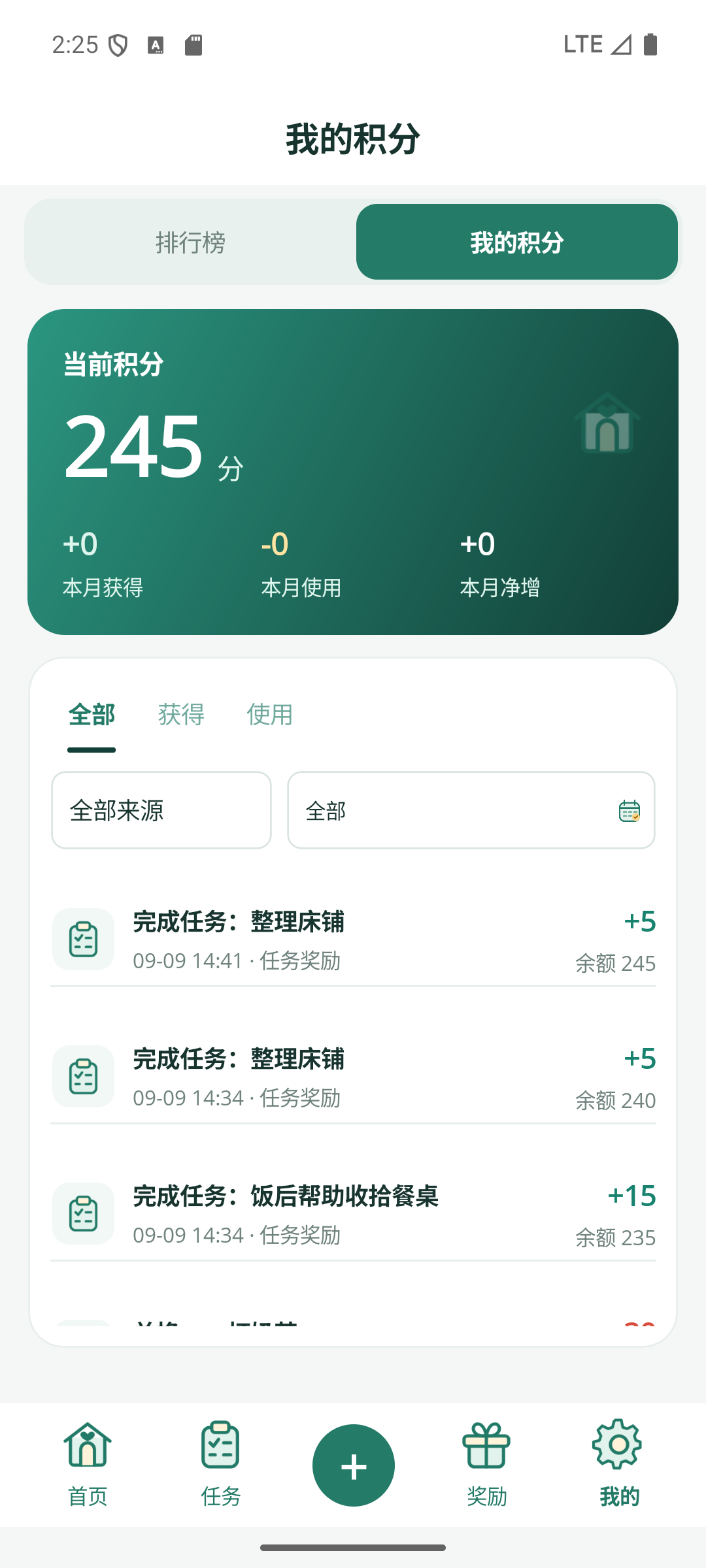
Points are credited after approval. Check your balance, transaction history, and family rankings across different periods.
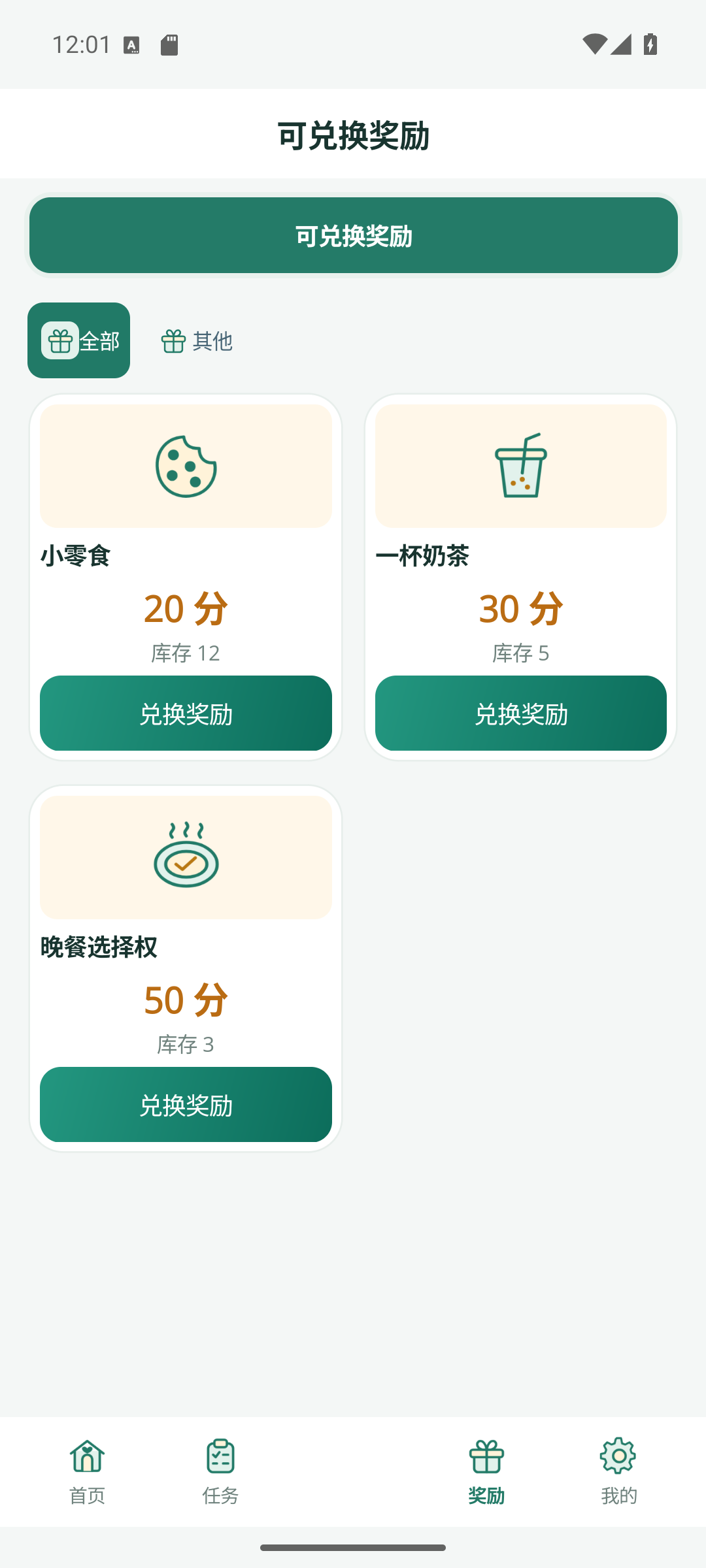
Add a favorite snack or a movie night to your family store. Set the points for each reward and track stock and redemptions.
Revisit tasks and rewards in the diary. Share photos, likes, and comments in the family feed.
See completed tasks, daily trends, and each family member’s contributions.
Bring everyone into the same family space with a family code, invite link, or QR code.
Set tasks and rewards. Members submit text or photo proof, and family members review them.
Points are credited automatically and can be redeemed in the family shop for your own joy and promises.
One account can join multiple families, with roles, points, and data isolated per family space. Members participate and submit; admins review and set the house rules.
See how we protect your dataDownload links will appear here as they become available. Email us to ask about release status.